

Ansa natively supports Linux1, but commonly available installation packages online are all Windows-based. On Linux, Windows programs can be run using Wine emulation. Below, we attempt to run Ansa on a Linux platform using Wine.
1. Install Wine
The distribution used here is Ubuntu 24.04 LTS, and Wine is installed via apt. It is recommended to install the vkd3d library to enhance graphics performance.
sudo apt update
sudo apt install wine wine64 libvkd3d-dev vkd3d-compiler
Run winecfg to view the Wine settings. If Windows fonts are not installed, certain characters, such as Chinese, will appear as squares.

It is recommended to directly copy the fonts from the Windows installation directory to the Wine installation directory.

Running winecfg again, the font displays correctly.

In the ‘winecfg’ setting, you can view the Z drive binding to the root directory, and the Windows program running the wine simulation can access the ‘${HOME}’ directory through the path ‘Z:\home[username]’, and users can add other path bindings according to their needs.

2. Copy Ansa
That’s correct, it’s copying, not installation. Running the Ansa installation file through Wine will eventually report an error and cannot run properly. It is best to install and configure it on Windows first, and then simply copy the entire installation directory to Linux.

Create the launch files ANSA.desktop and META.desktop in ${HOME}/Desktop to display shortcuts on the desktop.
The contents of the ANSA.desktop file are as follows, and the launch path should be modified according to the location where you copied the file.
[Desktop Entry]
Name=ANSA
Comment=BETA CAE Systems - ANSA - v25.0.0
GenericName=Connect Client
Exec=wine /home/dell/BETA_CAE_Systems/ansa_v25.0.0/ansa64.bat
Type=Application
Icon=/home/dell/BETA_CAE_Systems/ansa_v25.0.0/config/images/ansa_icon_trans.ico
StartupNotify=false
StartupWMClass=Code
Categories=Application;Development
Actions=new-empty-window
Keywords=ANSA
The content of the META.desktop file is as follows.
[Desktop Entry]
Name=META
Comment=BETA CAE Systems - META - v25.0.0
GenericName=Connect Client
Exec=wine /home/dell/BETA_CAE_Systems/meta_post_v25.0.0/meta_post64.bat
Type=Application
Icon=/home/dell/BETA_CAE_Systems/meta_post_v25.0.0/config/meta_icon64x64.ico
StartupNotify=false
StartupWMClass=Code
Categories=Application;Development
Actions=new-empty-window
Keywords=META
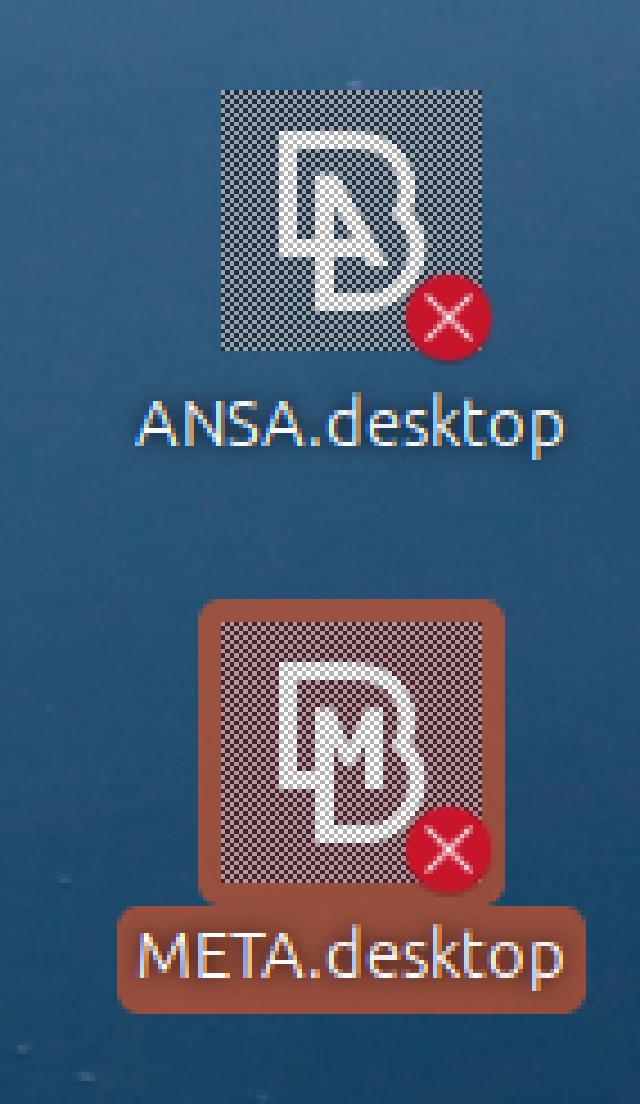
The newly created shortcut displays a grayscale icon with a red prohibition sign on the desktop and cannot be launched by double-clicking. It is necessary to right-click and confirm ‘Allow Launching’ in order to use it normally.
3. Running Effect
It is recommended to add -changedir Z:\home\[username] to the startup command to easily locate the ${HOME} directory.

Actual tests show that Ansa’s display performance is slightly worse compared to the Windows platform, with no significant differences in other aspects. When saving Ansa files, you can only choose the .ansa format; saving as .ansa.gz or .ansa.zst will cause an error and prompt you to re-enter the file name, which is not an issue on Windows.

For Meta’s startup interface, it is also recommended to add -changedir to the startup command to relocate the startup path.

Meta loads files significantly slower than Windows. When selecting models with the mouse, caution is required; once a model is highlighted, there is a high probability that the program will freeze. After extensive attempts, no setting was found to disable the highlight prompt, so it is necessary to be careful during operation.
